P.W.M User Guide
Project Description: This project involves setting up and using the THonny IDE to manage your Python programs on a microcontroller. Follow the steps below to get started.
Project Description: This project involves setting up and using the THonny IDE to manage your Python programs on a microcontroller. Follow the steps below to get started.
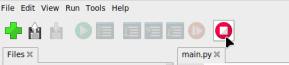
The top area of the THonny IDE will have a red stop icon. Pressing this icon will halt the currently running Python program and allow you to edit the files on the device.
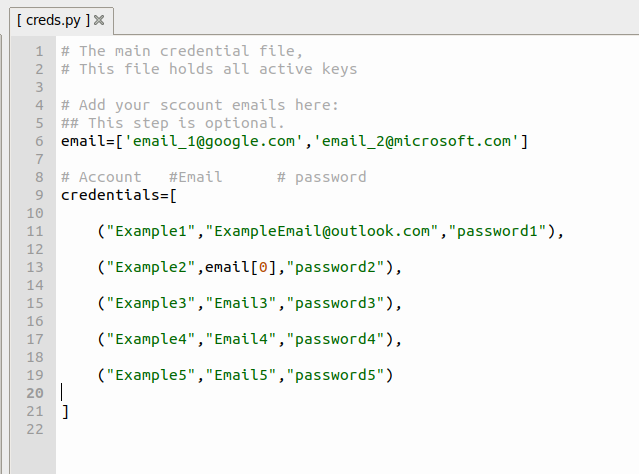
Now that the board is no longer executing Python, its files are editable. Open the file `creds.py` in the IDE. This is the file that will hold all your passwords.